
I love using Conductor!

If you know me, you know I am a big fan of Claude Code and OpenAI Codex. Both are agentic AI applications. That is, they use AI models to run tools in a loop to achieve goals per Simon Willison’s definition. And while there are definitely tons of reasons to use tools like Claude Code for non-coding things, I primarily use them to write software.
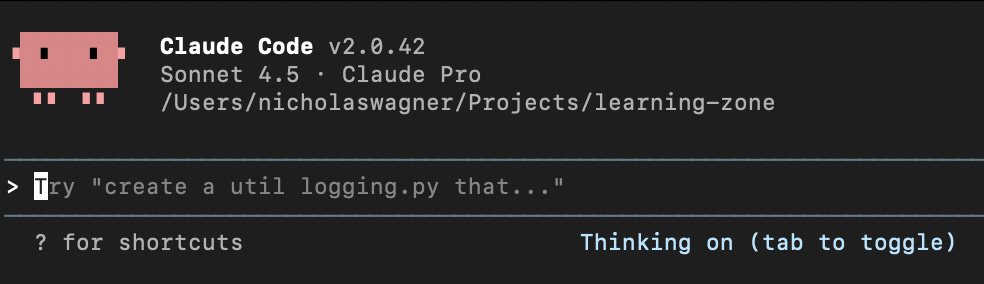
Claude Codex and Codex are great because rather than cutting and pasting code back and forth from a web app like ChatGPT or Claude.ai, they can just take a command and go work step-by-step for minutes on your computer until they accomplish it. This can be for anything from making a list app to hacking another country. But one thing that annoys me about both applications is that I am constantly waiting for something to finish. Yes, you can have multiple terminal windows open at the same time running Claude Code, but you don’t want one agent instance screwing up another by editing the files while it is working. So in practice I often find myself getting bored between inputs, which leads to wasting time on my phone.
How Conductor solves this problem
Conductor (https://conductor.build/) is a software app that uses an oft-forgotten git feature, worktrees, to let you work on multiple versions of the same code base at the same time. Don’t worry if you’ve never used Git worktrees before as Conductor abstracts away almost all of the complexity. While you could use git worktrees with multiple terminals, Conductor packages the functionality into a single interface and adds some other nice features like a diff viewer when you want to review changes, persistent history per workstream, auto-generated names for each workspace, and buttons for common toggles. This makes context switching between different tasks much easier.
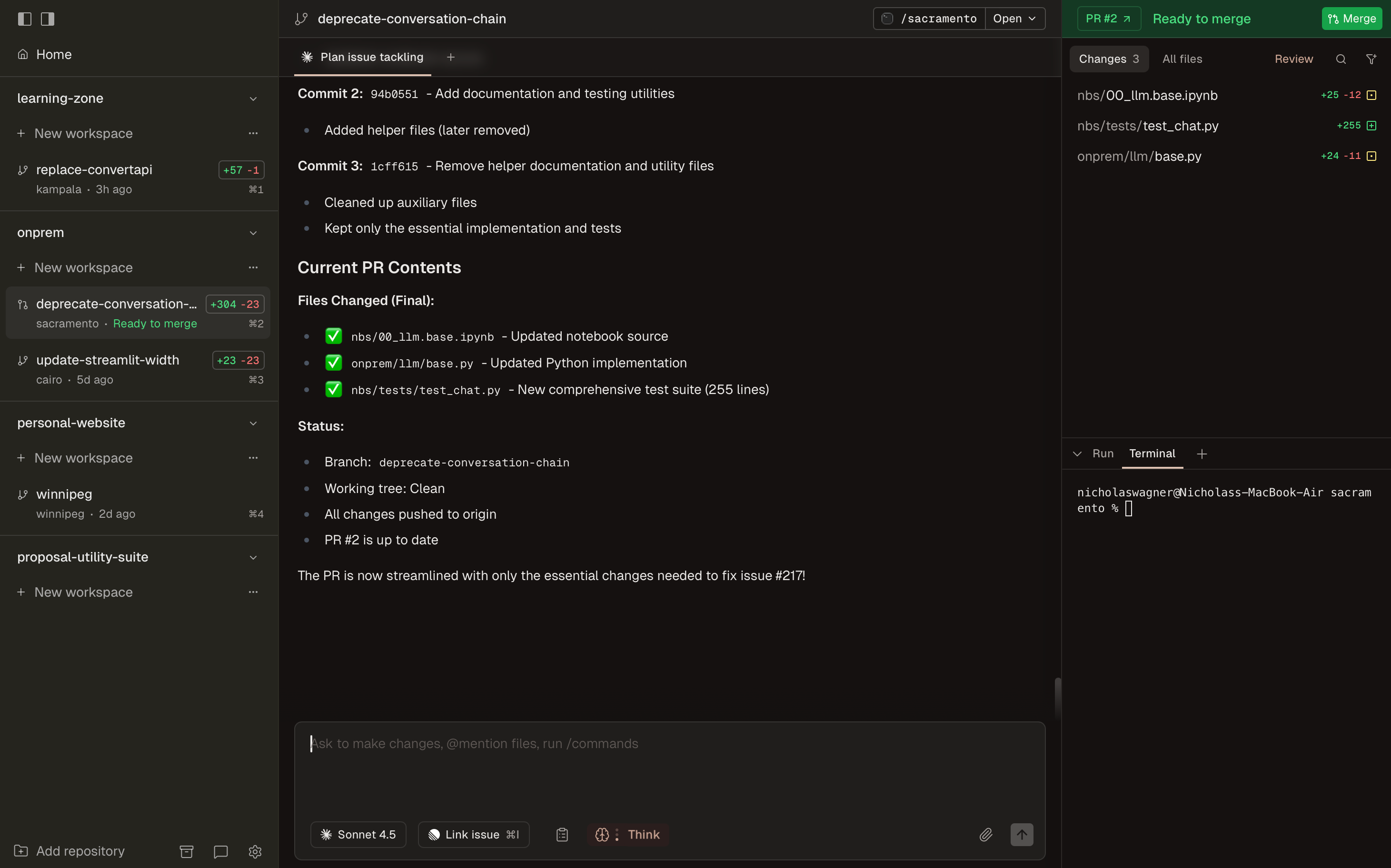
Conductor is currently free and the company does not collect your inputs or outputs. However, it depends on you having an existing subscription or API key for Anthropic or OpenAI models to function.
Why I recommend you use Conductor
Some of the reasons I recommend Conductor are normal everyday reasons and some are unique to my own tastes.
As models become more reliable, the idea of dispatching multiple agents to do tasks on their own and come back to you for guidance will become commonplace. I believe using interfaces like Conductor’s is good practice for observing progress towards this future.
Conductor is not trying to be another AI IDE like Cursor or VS Code. You can run them from the same directory your workspace is in if you want, but the focus is on orchestrating AI agents.
The developers update the app nearly every day and are responsive to complaints.
No lock-in to one vendor’s models or scammy subscription antics.
It is made by 3 normal guys. So many people on Twitter are posting crazy stuff for attention. I like that the team seems focused on making a great product. They also have a healthy calibration for what AI should and should not do.
My one main critique of Conductor is that it only works on Macs at the moment, so I can’t use it on my gaming PC. But I am sure Windows support will come one day.
Anyways, I have been wanting to write this up for a while. Go try Conductor!
thanks so much!! 😍